
Error code library
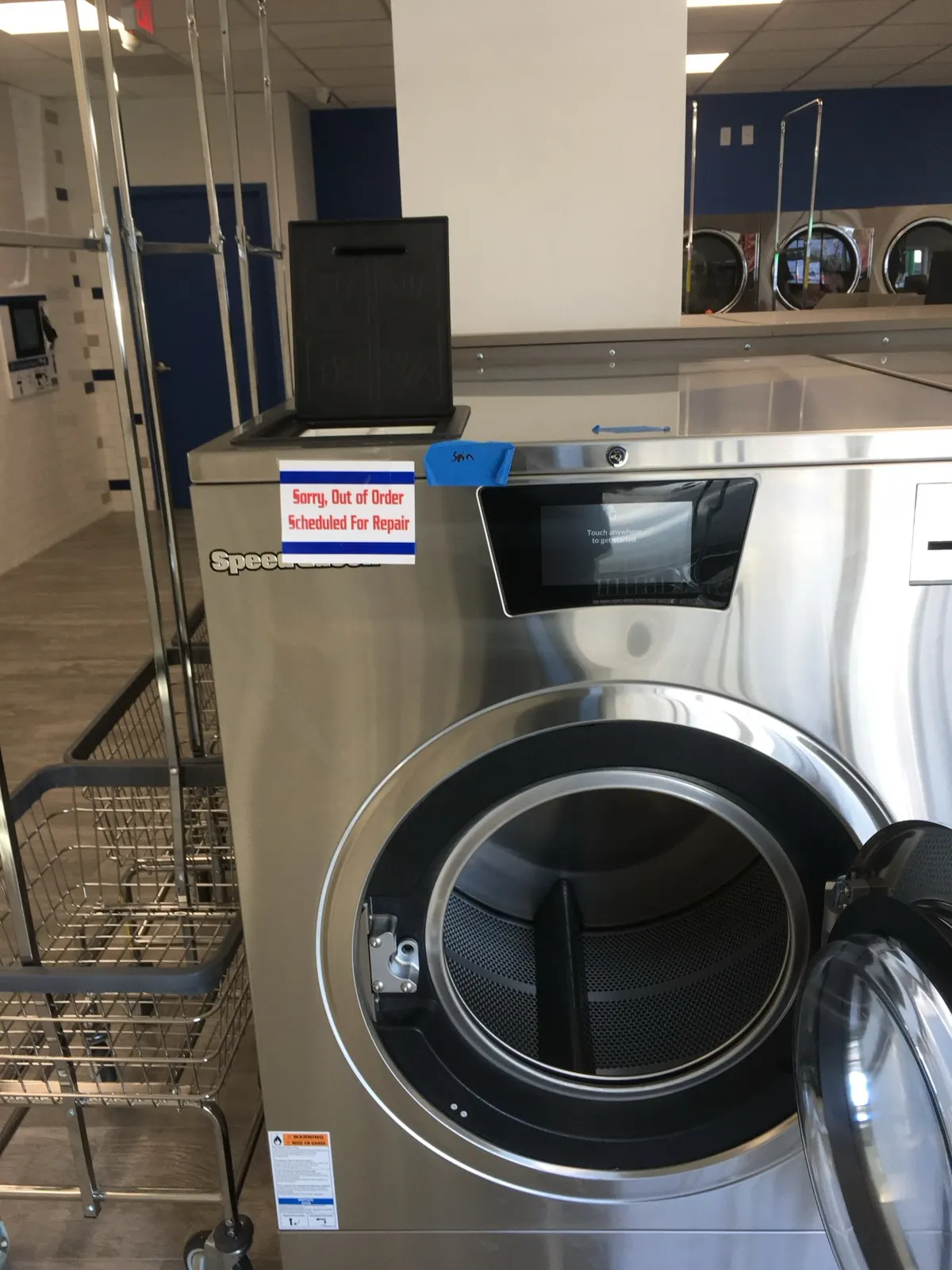
Speed Queen, Huebsch & UniMac error codes
Speed Queen, Huebsch and UniMac machines are built by Alliance Laundry Systems and share the same family of electronic controls (Galaxy, Quantum, Quantum Gold and Quantum Touch / Insights). The same code usually means the same thing across all three brands. Codes are shown on the display, often with a space, for example “E dL” or “E FL”.
- Washer codes
- Dryer codes
- Coin, card and communication codes
- Older electronic controls (NetMaster / Micro-wand era)
Washer codes
Door lock error
The door did not lock right after it was closed, or did not unlock within a few seconds after the cycle ended. On Quantum Gold controls E dL1 means it failed to lock after retrying and E dL2 means it failed to unlock.
- Open and firmly close the door, then restart.
- Look for a bent door hinge or a striker that no longer lines up with the lock.
- Technician: test the door lock assembly and its wiring, and check the output board signal to the lock.
Door opened during a cycle
The control saw the door open while it was locked or about to lock, usually because someone pulled on the handle. “door” alone means the door is not closed when the machine is told to start.
- Close the door completely and restart.
- If the door is closed and the code stays, the door switch or its wiring is likely at fault.
Fill error
The programmed water level was not reached within the allowed time (about 10 minutes by default) during a fill step.
- Make sure both hot and cold water supply valves are fully open.
- Clean the inlet hose filter screens.
- Check incoming water pressure.
- If water fills but runs out, the drain valve may be stuck open.
No water flow
The washer did not reach a minimum level of about 4 inches during the allowed time, which usually means no water is reaching the machine.
- Check that water is turned on to the machine.
- Check for kinked hoses or clogged inlet screens.
- Technician: test the water inlet valves.
Drain error
The machine did not drain within the allowed time (about 15 minutes by default) during a drain step.
- Look for a clogged drain valve, drain hose or floor trough.
- Check for clothing caught in the drain.
- Technician: test the drain valve or drain pump and its wiring.
Slow drain
The washer drained, but slower than it should. The right-most decimal point on the display lights up and the event is saved in audit data.
- Clean the drain valve and drain line before it turns into a full drain failure.
- On these controls the decimal point can be cleared by pressing Start three times within five seconds.
Overflow
The control detected an unsafe high water level in the drum.
- Stop using the machine.
- A water valve may be stuck open or the level sensor hose may be blocked.
- Technician: check the inlet valves and the pressure sensor.
Pressure (water level) sensor error
The control is not getting a valid signal from the water level sensor.
- Technician: inspect the level sensor hose for kinks, water or debris, and check the sensor and harness.
Water leak detected
During testing or a cycle the water level dropped (leak) or rose (valve letting water by) more than it should.
- Look for water under the machine and at the door gasket.
- Technician: check the drain valve seal, door boot and inlet valves.
Unbalance
The machine could not balance the load for the high-speed spin.
- Redistribute the load and run it again.
- Avoid single heavy items such as rugs or mats.
- If it happens on normal loads, check suspension, mounting bolts and the balance switch.
Frame balance switch
The frame balance switch opened during the cycle, meaning the machine shook harder than allowed.
- Check for a loose or broken mounting bolt or base.
- Technician: inspect the balance switch and the machine's mounting. Loose anchor bolts are a common cause on hardmount washers.
Broken belt
The motor ran but the basket did not turn as expected.
- Technician: replace the drive belt and check pulley alignment and tension.
Rotation sensor error
The control got an invalid signal from the rotation sensor. It will use timed coast-down periods to finish the cycle.
- Technician: check the rotation sensor, its magnet and wiring.
Heating error
On machines with a heater, the water did not reach temperature within the allowed time (E Ht) or is heating too slowly (E StHt).
- Technician: check the heating element or steam supply, the heat contactor and the temperature sensor.
Temperature sensor open or shorted
The control reads a temperature that is impossible (below 0°F = open, above 220°F = shorted). Heating functions are turned off for the rest of the cycle.
- Technician: check the thermistor and its wiring, then replace the sensor if it is out of range.
Suds lock
The control detected too many suds during spin and paused or slowed the spin.
- Use the correct low-suds HE detergent and the right amount.
- Run a rinse cycle to clear the suds.
Brownout / voltage configuration
The control saw a supply voltage that does not match what it expects.
- Technician: measure incoming voltage and check harness connections between the boards.
Board communication error
The front control cannot talk to the input/output board or the drive (inverter) board.
- Power the machine down for a minute and back up.
- Technician: check the communication harness and connectors, then the boards.
Input/output board hardware errors
The input/output board found a hardware problem, for example a shorted water valve, door lock solenoid circuit or contactor coil.
- Technician: identify the circuit from the specific Eio number, test that component and its wiring, then the I/O board.
Dryer codes
Airflow switch error
The airflow (sail) switch did not open at the end of the cycle, did not close after the cycle started, or was bouncing during the cycle. Almost always caused by restricted airflow.
- Clean the lint screen and the lint compartment.
- Inspect and clean the exhaust duct and damper.
- Technician: clean the blower wheel and check the sail switch.
Did not reach expected temperature
The dryer did not heat up as expected.
- Make sure gas or steam supply is on.
- Clean lint from around the burner area.
- Technician: check ignition, gas valve, flame sensor and heating connections. On steam dryers the auto ignite retry setting may need to be disabled.
Thermistor shorted or open
The temperature sensor reading is out of range.
- Remove lint buildup around the thermistor.
- Technician: test the thermistor and wiring; replace the sensor or control if needed.
Break-in alarm
The service door or coin vault switch was opened. “oFF” means the machine shut itself down because of it.
- Close the service door and coin vault properly.
- Technician: check the door and vault switches.
Door open
The loading door is not closed while a cycle is active.
- Close the door. If it is closed, check the door switch and its wiring.
Coin, card and communication codes
Coin error
The control got an invalid coin pulse or the coin sensor is not working.
- Clear any jam in the coin drop.
- If it keeps coming back, check for tampering.
Card reader / payment system errors
The control and the card reader or payment system are not communicating, or the reader was not initialized.
- Power down and back up.
- Check the reader cable connections.
- If it persists, the card reader or control may need replacement. We install and service LaundroWorks and ESD readers.
Infra-red communication errors
Errors while programming the machine with an external handheld or infra-red device: aiming, timeout, wrong machine type or IR turned off.
- Re-aim the device and try again.
- Make sure the programming data is for this machine type.
- Enable infra-red on the control if it was turned off.
Older electronic controls (NetMaster / Micro-wand era)
Fill error (older controls)
On older topload and frontload controls the pressure switch did not show full within about 30 minutes in a fill step.
- Check water supply, hoses and inlet screens.
- Technician: check the pressure switch and its hose.
Drain error (older controls)
Maximum drain time exceeded, or water sensed at the end of spin.
- Clear the drain hose or drain valve.
SPI communication error
The master control cannot talk to the motor control. It tries to reset it three times before showing the code. Common causes are an unplugged transformer or miswired motor control.
- Technician: check the transformer connection and wiring to the motor control.
Pressure switch sequence error
The pressure switches closed out of order.
- Technician: check the pressure switch hose and replace the switch if needed.
Drive failure
Motor unplugged, motor failure, tachometer circuit open or the drum is locked up. Remove power to reset.
- Check that the drum turns freely by hand with power off.
- Technician: check motor plug, tacho and motor.
Topload pressure switch error
Pressure switch problem on older topload washers.
- Check fill and drain hoses for kinks and correct installation.
- Technician: check the fill circuit and switch.
Inoperative control
The electronic control has failed.
- Technician: replace the control.
Break-in alarm
The service door or coin vault switch was opened. OFF means the alarm shut the machine down.
- Close the service door and coin vault; check the switches.
Open / shorted thermistor (older dryers)
Physical open (OP) or dead short (SH) in the dryer thermistor circuit.
- Remove lint around the thermistor.
- Technician: replace the thermistor or repair wiring.
No codes on this page match. Try the full library search or call us.
These explanations are general guidance written by CLS from manufacturer service documentation, and code meanings can vary by control version. Always confirm with the manual for your exact model. Disconnect power (and gas or steam) before opening any panel. Repairs inside the machine should be done by a qualified technician.
Still showing the code?
Our factory-trained technicians service Speed Queen, Huebsch & UniMac equipment across New York every day. Calls answered 24/7.